
Understanding Containers Made Simple
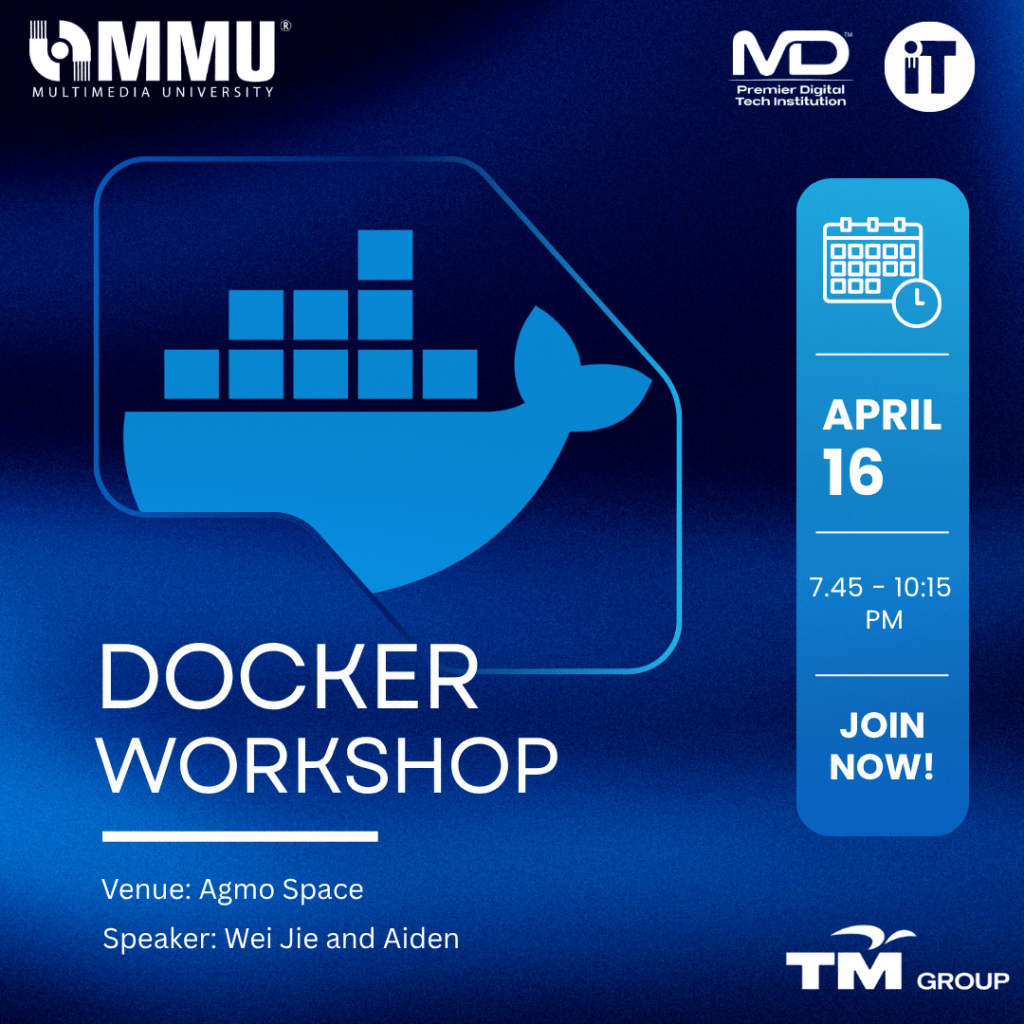
On 16th April 2026, IT Society MMU hosted a Docker Workshop at AGMO Space, bringing together students who were curious about what Docker actually is and why everyone in tech keeps talking about it. Led by Wei Jie and Aiden, the session was designed to make Docker feel less intimidating and more practical.
Introduction
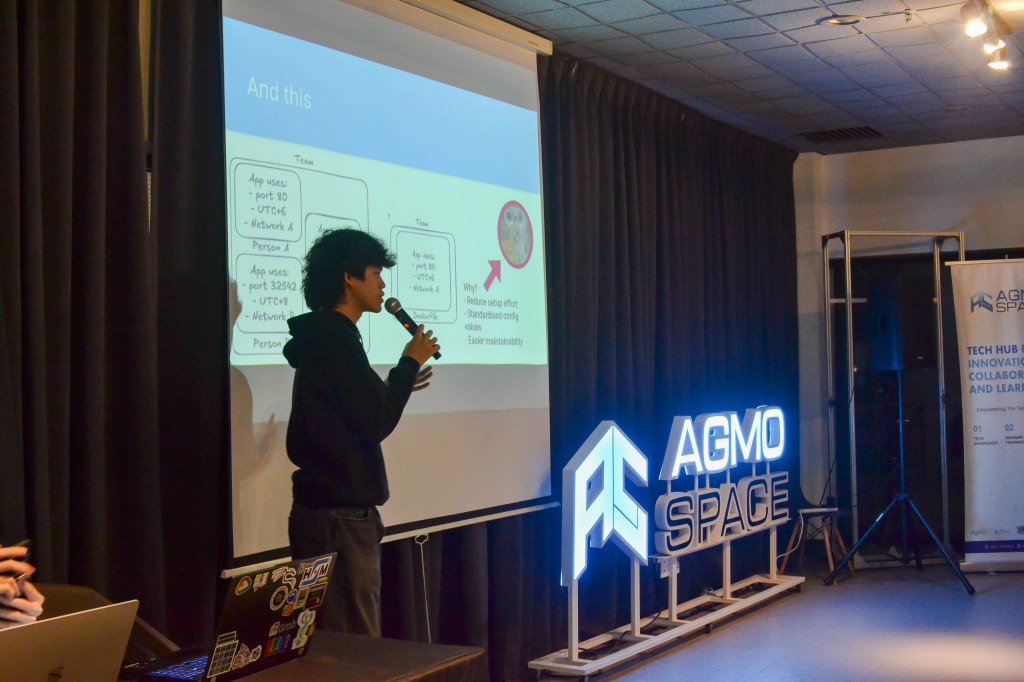
The workshop started off with a simple introduction to Docker and how it fits into real-world development. Instead of going too technical right away, the speakers focused on helping participants understand the main idea: why apps sometimes don’t work the same on different machines, and how Docker solves that by packaging everything into containers. Basic concepts like Docker images, containers, and Docker Hub were introduced first to set the foundation.
Getting Started
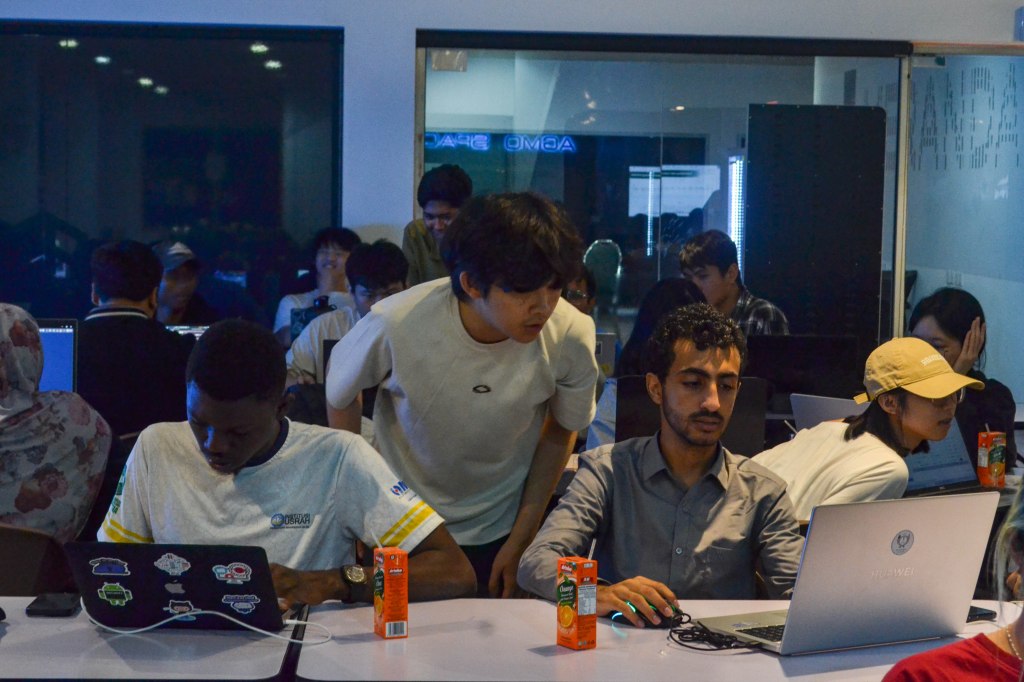
Once everyone had a rough idea of how things work, the session quickly moved into hands-on activities. Participants learned how to pull an image from Docker Hub and run it as a container. It was a small step, but it helped make things click by seeing an application run with just a few commands, making Docker feel a lot more approachable.
Understanding Dockerfiles
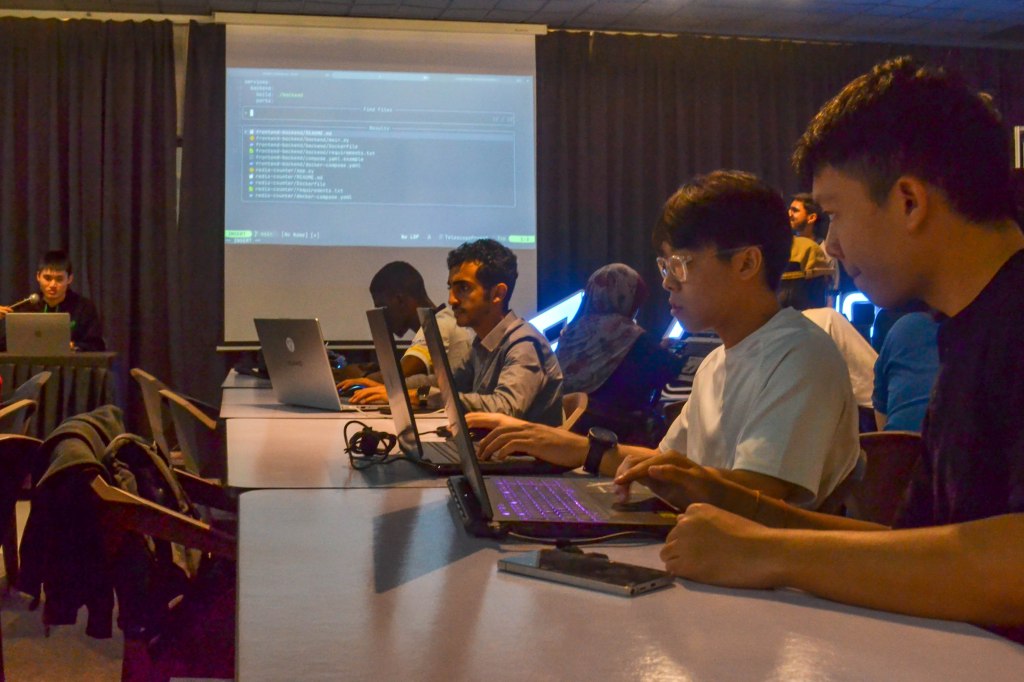
Aiden then walked everyone through Dockerfiles, breaking them down in a way that was easy to follow. Instead of just showing code, he explained what each line actually does and why it matters. Participants got to try building their own Dockerfiles, with guidance from both the speaker and committee members whenever they got stuck.
This part helped connect the dots, showing how developers can define their own environments and share them easily with others, without worrying about “it doesn’t work on my machine” problems.
After that, there was a short break with refreshments, giving everyone a chance to relax before continuing.
Working with Docker Compose
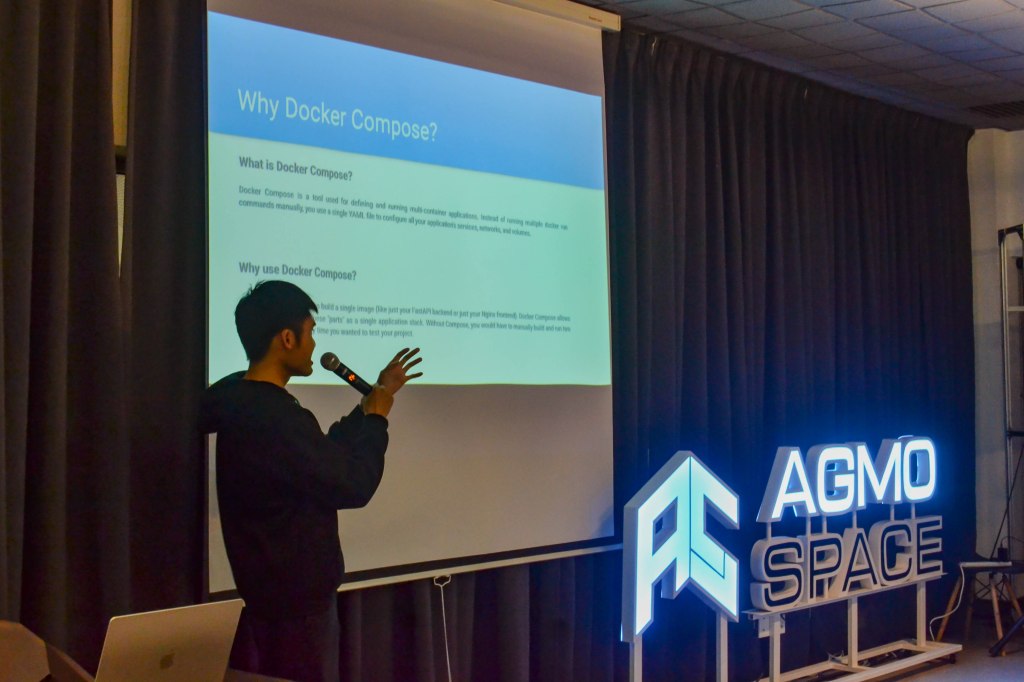
In the second half, Wei Jie introduced Docker Compose and explained how it’s used when working with multiple services. Instead of running everything separately, Docker Compose allows you to manage everything in one place.
Through demos and guided practice, participants built their own setups and saw how different parts of an application, such as frontend, backend, and even a database, can work together. Being able to connect everything and see it run made the whole idea of containerised applications much clearer.
Hands-On Challenge
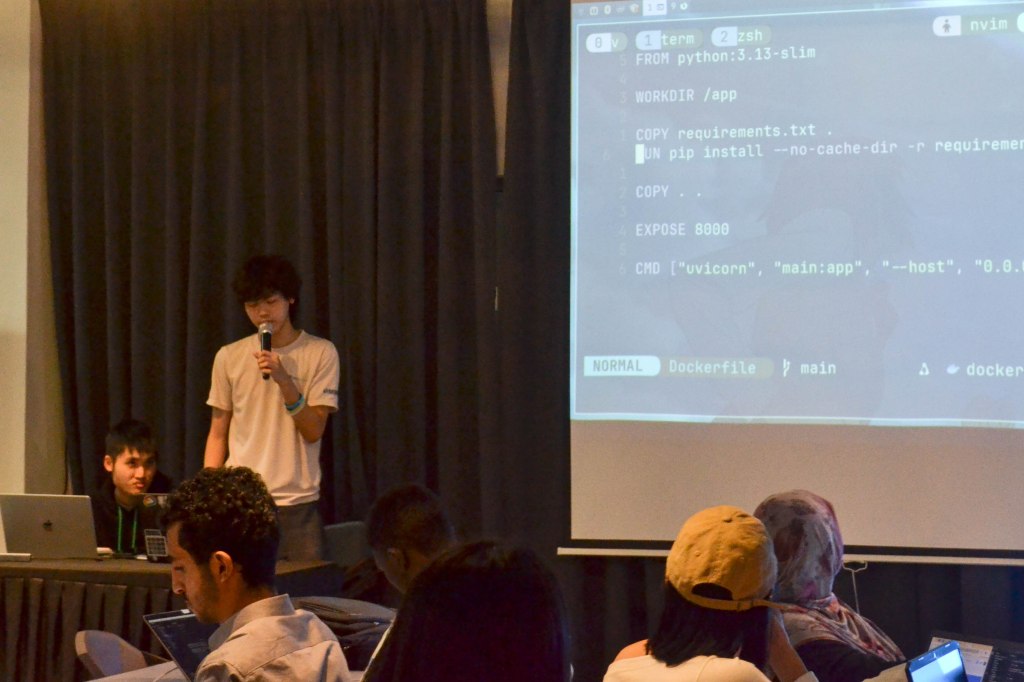
To wrap things up, participants were given a short challenge. They had to create a Dockerfile for a simple Python program, set up the environment, and run it. It was a good way to test what they had learned and try things out on their own.
Wrapping Up
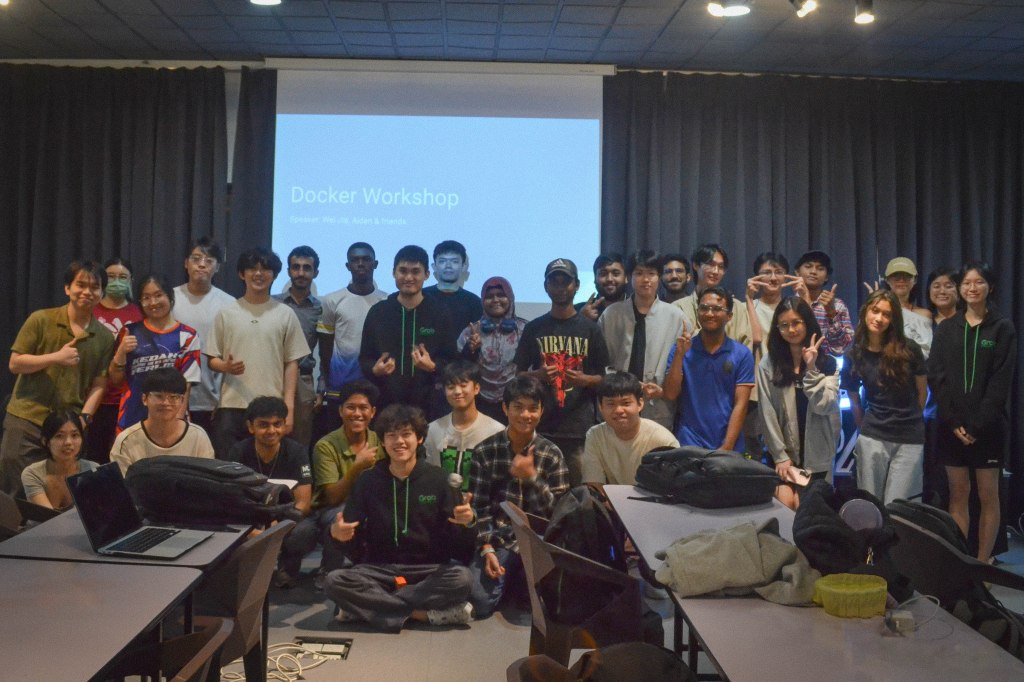
The session ended with a group photo and a much better understanding of Docker than when everyone first walked in. What started as something confusing turned into something manageable with a bit of guidance and practice.
Overall, the workshop gave the participants a solid starting point to explore Docker further, whether for assignments, personal projects, or future internships.
See you in future events!
 IT Society MMU Cyberjaya
Leave a comment